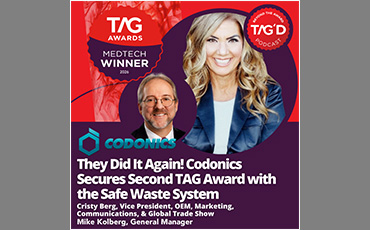
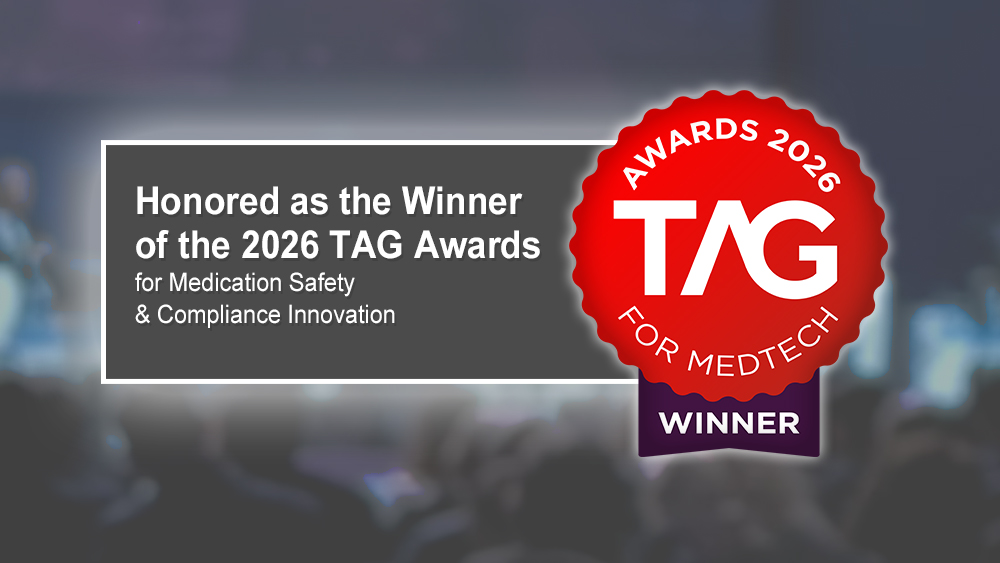
Safe Waste System
Wins 2026 TAG Award:
Medication Safety & Compliance Innovation
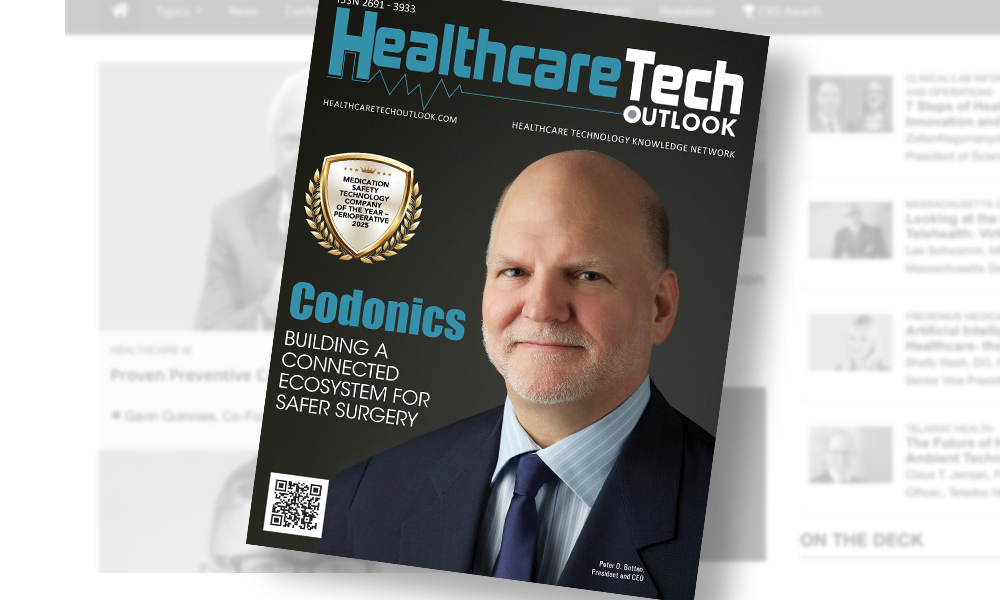
Awarded Medication Safety Technology Company of the Year 2025 – Perioperative

Coming Soon
Controlled Substance Waste Management System

Safe Label System:
UPGRADEABLE TO RFID

We Help
MEET ISMP Guidelines
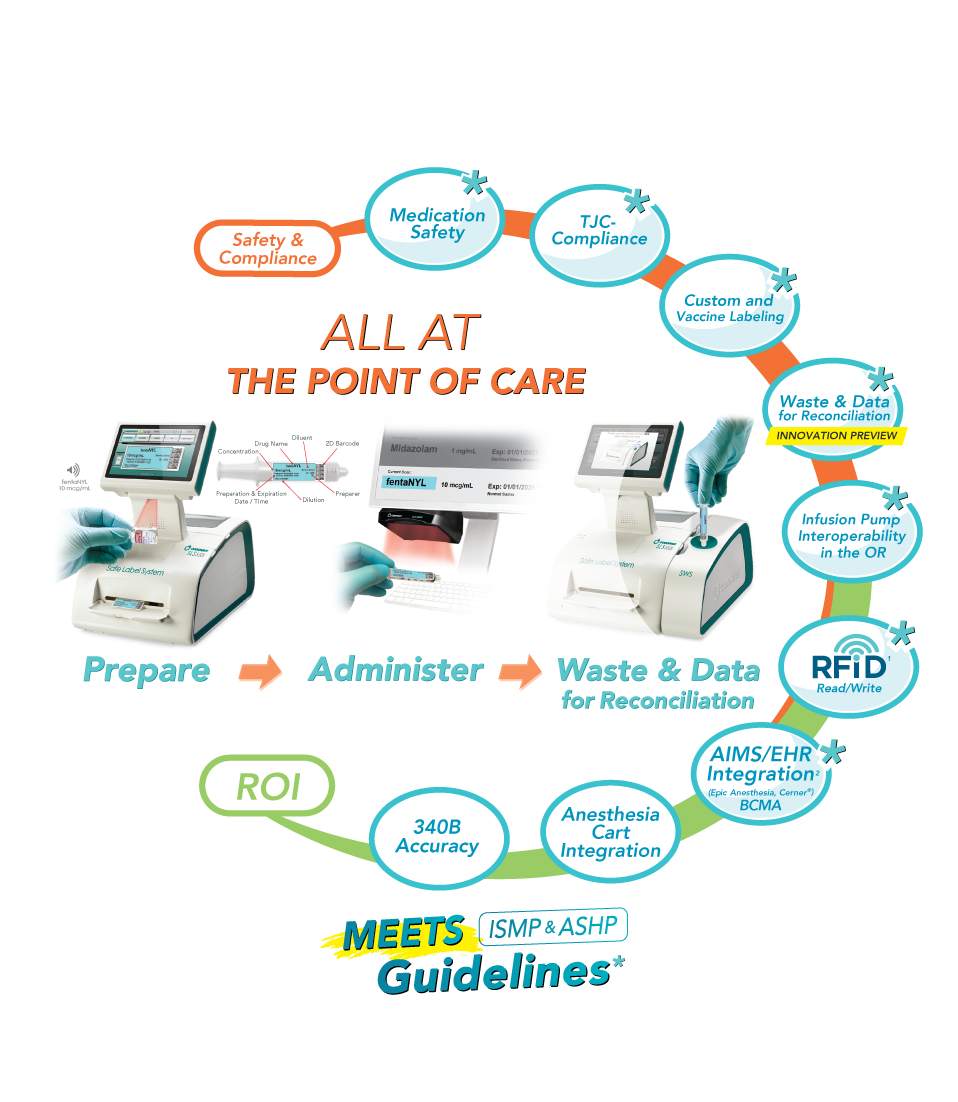
Universal Cart Integration* for Smarter OR Workflows

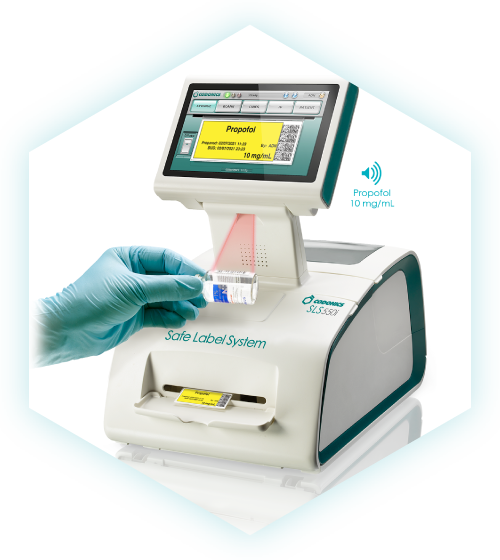
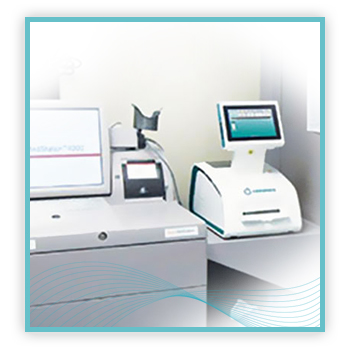
SLS seamlessly integrates with all anesthesia drug carts—automated or manual—streamlining inventory management, cutting manual tasks, and transforming your OR into a smarter, more efficient space. SLS is also widely used in the ICU, for patient care on the floor and at the bedside, and in the pharmacy.
*Anesthesia Cart Integration with SLS may be hardware, software or both.
Compliant Labels for Safer Medication Delivery

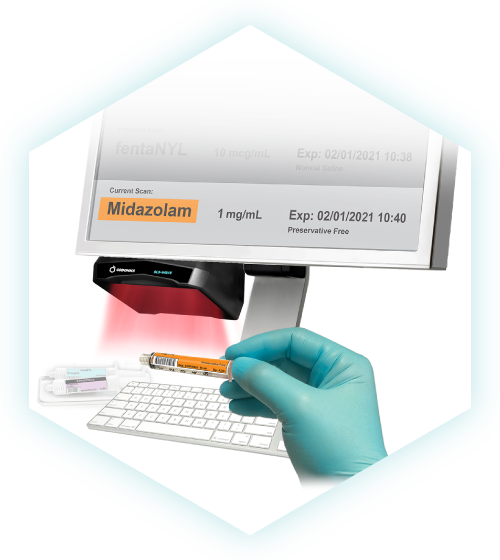
With SLS, every syringe gets an easy-to-read, TJC-compliant full-color label on demand that reduces medication errors and increases safety in the OR—delivering confidence and speed when precision matters most. Drug labeling requires time and vigilance, and is prone to human error. For example, in the OR, anesthetists are met with competing demands, coupled with the challenge to handwrite the required drug information in a legible manner on a very small area. SLS uses barcode technology to read information from drug containers and empowers you to label any medication, anywhere in your facility, with a compliant label.
Value Proposition
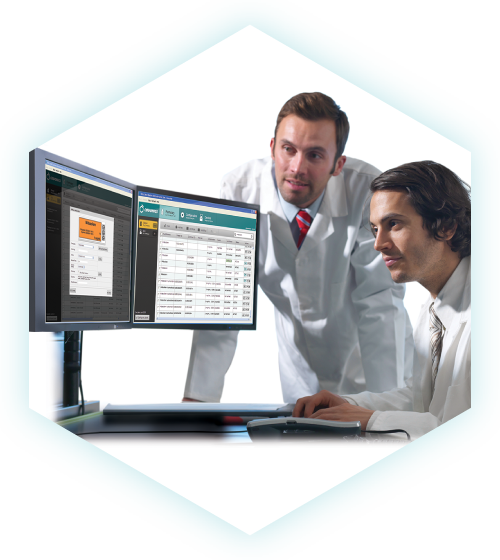
Codonics Safe Label System® (SLS) and SLS-WAVE provide a complete solution for healthcare organizations seeking to enhance patient safety, streamline workflows, and optimize operational efficiency in perioperative and procedural settings. By integrating electronic safety checks and barcode scanning into the anesthesia workflow, our solutions help prevent the top medication errors while ensuring compliance with TJC, ISMP, and ASA guidelines. Beyond safety, these solutions drive ROI for pharmacies by improving charge capture, 340B compliance, inventory management, and automating documentation at the point of administration.
Anywhere Medications Are Prepared



Top 100 Healthcare Technology Company
— and So Much More
Industry Awards That Speak Volumes About Trust, Safety, and Innovation
We’re proud to be named a Top 100 Healthcare Technology Company, a recognition that reflects the impact of our world-class solutions across the healthcare landscape. Combined with multiple global awards for innovation, safety, and performance, these honors reinforce one thing: hospitals trust Codonics when it matters most.

Proven in the OR. Recognized Around the World.
“A critically important system to reduce clinical errors…”
— TAG Awards Judges Panel
For Medication Safety & Clinical Workflow Innovation.
“SLS belongs
in every OR.”
— Chief of Anesthesia
Recognized for global leadership in clinical innovation.
“Helps improve the quality and safety of care you provide.”
— Director of Pharmacy
For improving perioperative safety.
“Brings a solution to a problem that has existed for years.”
— Mgr., Pharmacy Informatics
For medication management excellence.
Patient Safety Products
Designed for Clinicians, Driven by Pharmacy.
Improving healthcare from drug preparation to administration and waste.